
A Simple Email Trick to Track Your Online Exposure
There’s a small trick built into Gmail that most people either don’t know about or never think to use—and it can give you a surprising amount of insight into where your personal data ends up.
Google refers to it as using email tags.
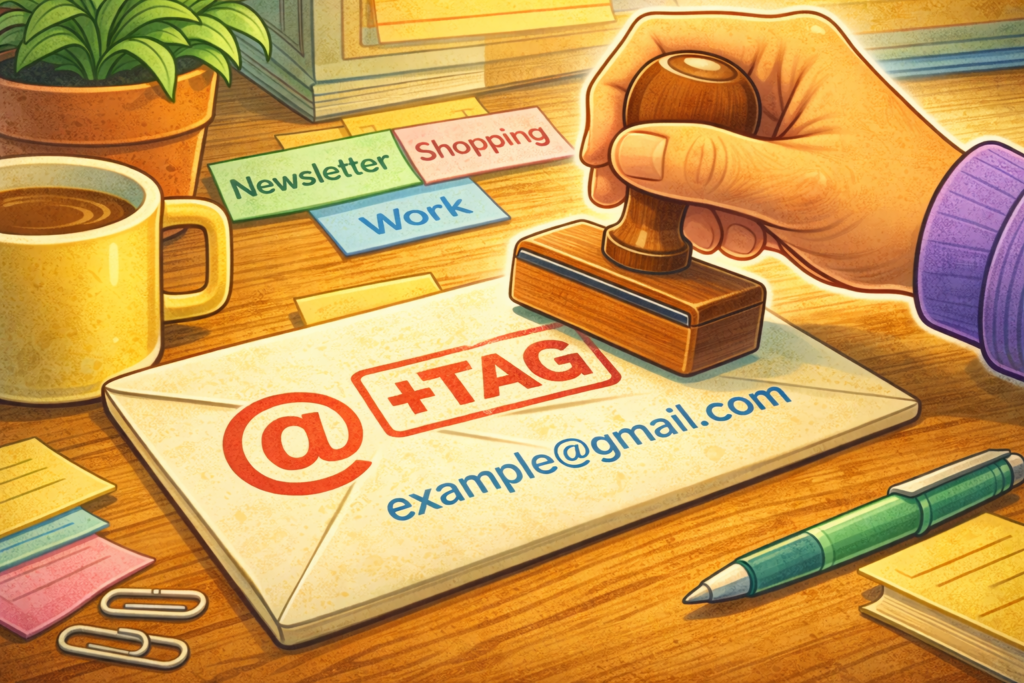
On the surface, it looks almost too simple to matter. Instead of putting in your email address as example@gmail.com everywhere, you can add a “tag” to it to help you keep track of where you used your email… For example, if you sign up for an account on Spotify, you might use example+spotify@gmail.com.
The magic here is that Gmail ignores the “+tag” part when delivering mail, so everything still lands in your main inbox. But importantly, the full address—including the tag—stays visible in the messages you receive.
That one small detail changes how much you can see.
Each time you use a unique tag, you’re effectively labeling where that address was used. Over time, this creates a built-in trail. If you start getting emails sent to a variation that you’ve only ever used in one place, you’ve just learned that your email address has moved beyond its original context. It may have been shared with partners, sold into marketing lists, scraped, or included in a larger dataset—but either way, it didn’t stay contained.
This is the kind of thing that comes up constantly in investigations. People tend to assume that unexpected emails mean something was “hacked,” but more often than not, it’s just exposure through normal business processes—signups, integrations, third-party tools, or poor data handling practices. No breach required. Just distribution.
Using +tags doesn’t stop that from happening, but it does give you visibility into it. And visibility is usually the missing piece.
Once you start paying attention, patterns emerge. Some tags will never receive anything beyond what you signed up for. Others will slowly accumulate spam. Occasionally, you’ll see a spike tied to a specific tag months or even years later, which can point to an old dataset being reused or resurfacing somewhere else. That kind of timing is difficult to detect without these tags.
If you want to take it a step further, which I recommend, you can use tags that are not predictable, so they don’t end up leaking information. E.g. instead of example+spotify@gmail.com, you could do example+e942ijfc9@gmail.com, as long as you keep a reference of which tags you used where.
I should note here that none of this is a full security solution, and it’s not meant to be. Your email address is one of the most persistent identifiers you have, and it usually makes sense to have more than one email account.
This is just a trick that gives you a way to watch where your email from a given account ends up as you use it, and can even serve as en early indicator of data breaches. It’s a low-effort way to make something invisible a little more visible.